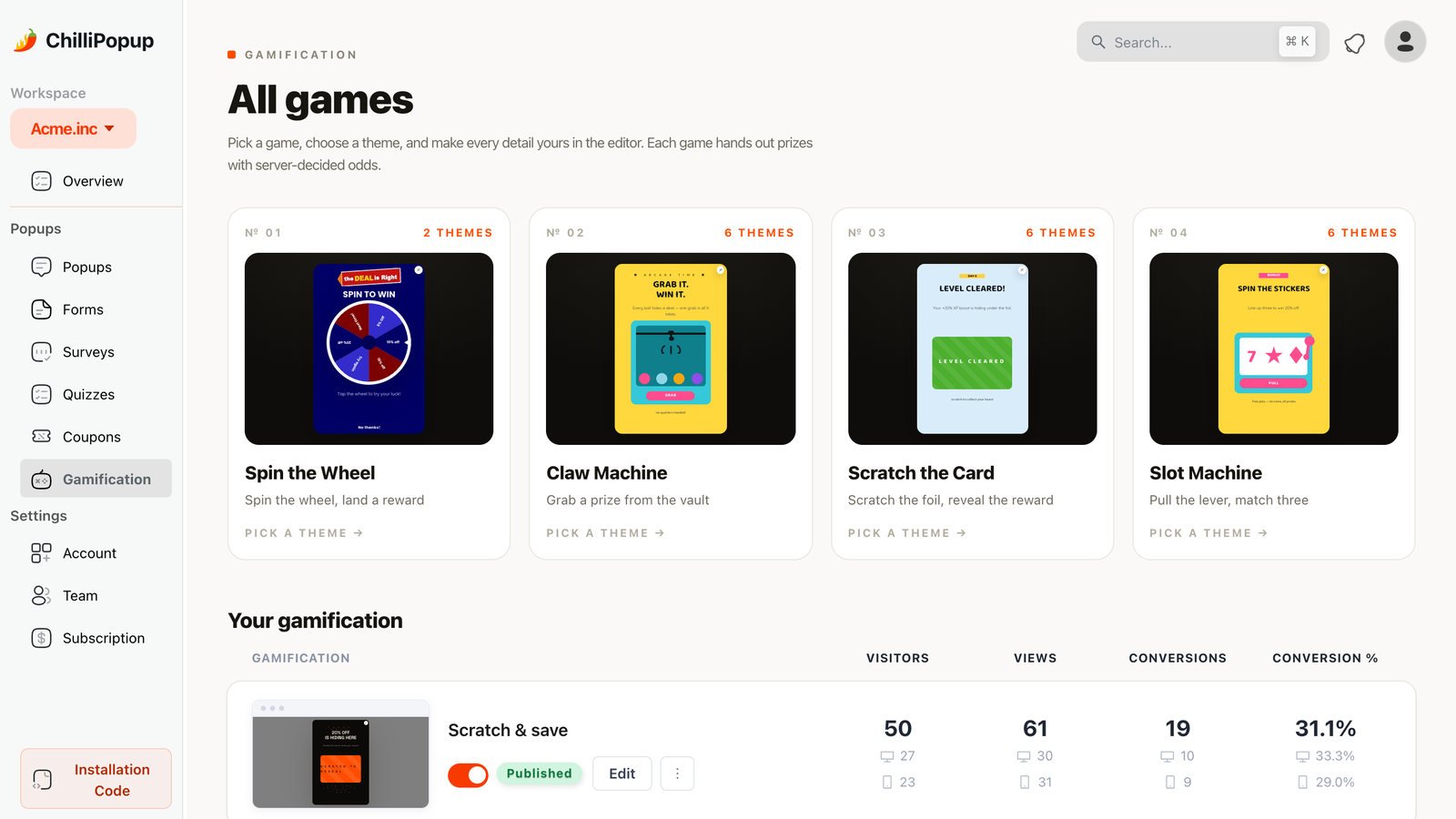
Design the wheel
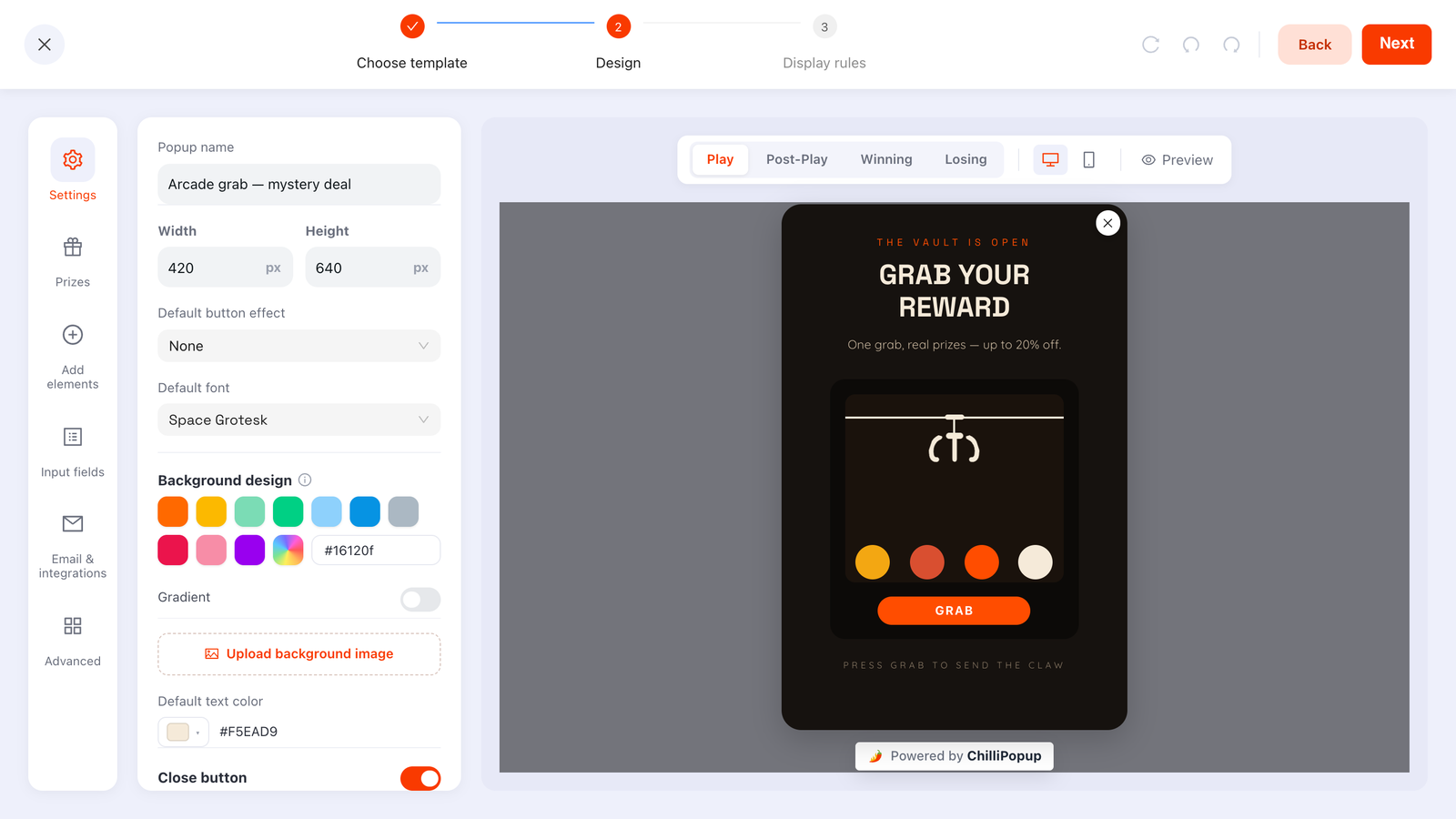
Pick a wheel theme, then set the rim, pointer and hub colours, the hub label, the slice colours and the slice text colour. Lay out the headline, copy and images around the wheel in the same drag-and-drop editor you use for popups.
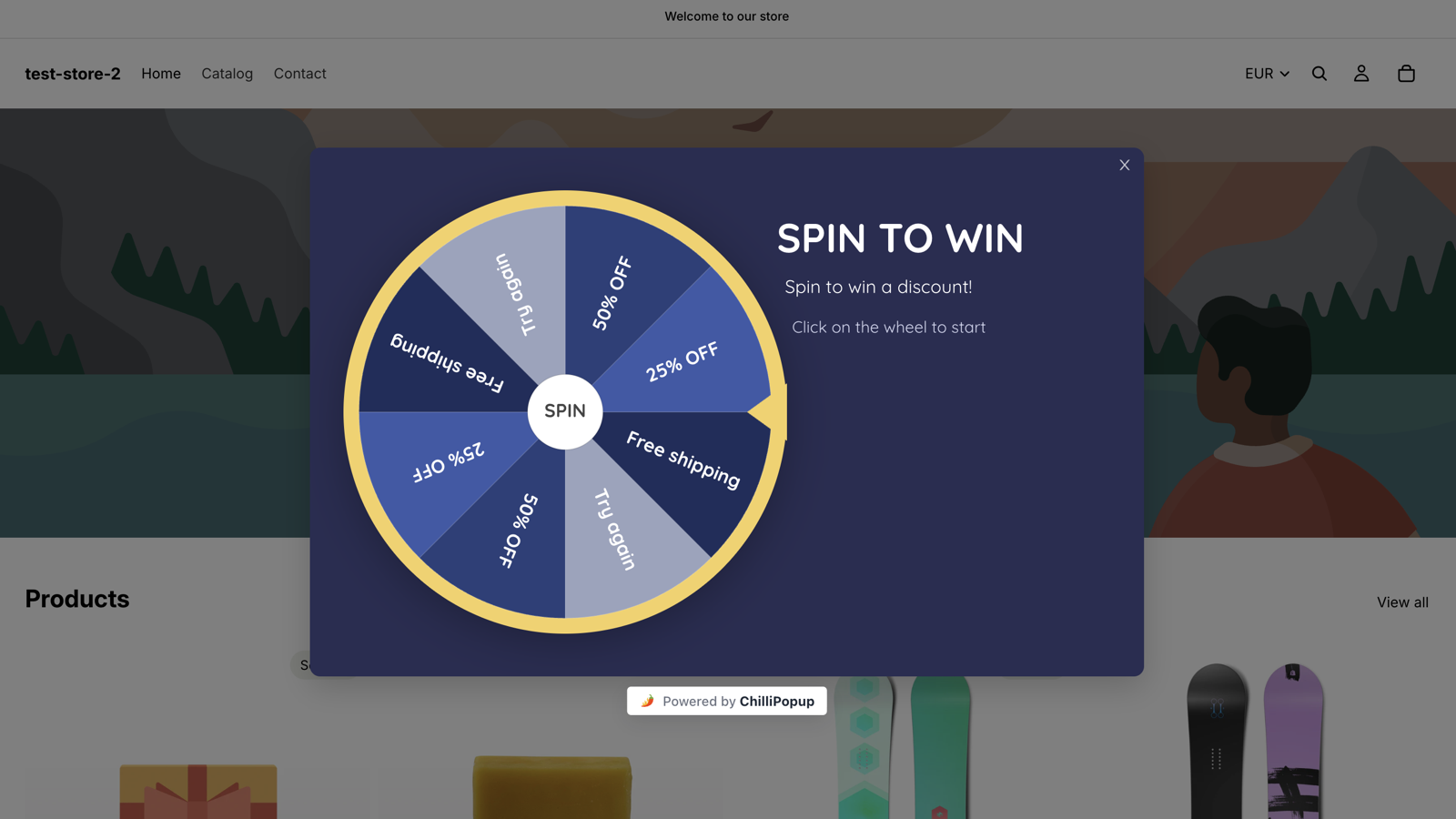
A prize wheel opens over your page at the moment you choose. The visitor clicks it, it turns for about four seconds and stops on a slice picked by our servers, never by the browser. A win asks for an email to claim the prize, then reveals the code with a burst of confetti. A loss shows a screen you wrote. One script tag, any website.

This demo wheel picks a slice at random in your browser, which is exactly what a live ChilliPopup wheel never does. On your site the roll happens on our servers and the wheel only animates to the result it is handed. Here is how the live one behaves:
A wheel is a popup with a game on its Play step. If you have built a ChilliPopup popup before, you already know the editor.
Pick a wheel theme, then set the rim, pointer and hub colours, the hub label, the slice colours and the slice text colour. Lay out the headline, copy and images around the wheel in the same drag-and-drop editor you use for popups.
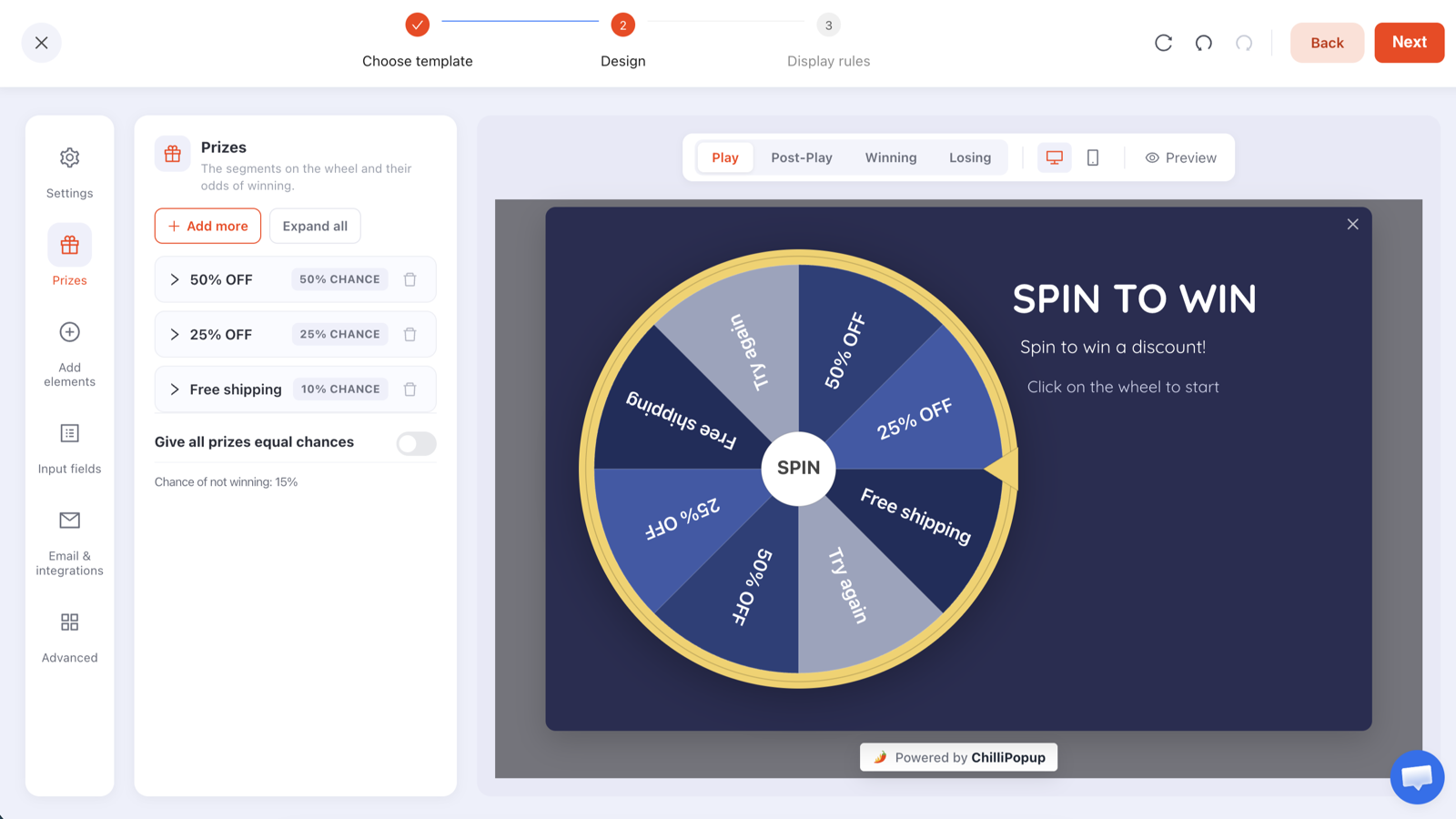
In the Prizes panel, give each prize a label, a reward code and a win chance in percent, or flip on equal chances. The panel shows the chance of not winning as you type, and any leftover becomes a Try again slice on the wheel.
Choose your triggers and targeting in Display rules, then publish. If the ChilliPopup pixel is already on your site there is nothing else to install: the wheel appears on the next page load.
Most spin-to-win widgets decide the winner in the visitor's browser, where anyone with the developer tools open can read the prize table and the codes. ChilliPopup moves that decision to the server.
When the visitor clicks, the player asks our server for the outcome. The server reads your prizes and odds from your dashboard configuration, rolls, records the play and answers. The wheel only animates to the slice it is told.
The configuration that reaches the browser has every prize code stripped out. A code travels only inside a winning response and is substituted into your Winning screen. A losing outcome never carries one.
Each prize carries its own win chance in percent. Whatever is left of 100% is the chance of not winning, and the editor shows it live. Or switch on equal chances and every prize gets the same odds.
Leave a leftover and the wheel grows a grey Try again slice. Or mark any prize as a Losing option: it keeps its own label and colour on the wheel, counts as a loss, and never returns a code. Sparse wheels are repeated so the disc always looks full.
If our server cannot be reached, the spin resolves as a loss. A blocked request, a dropped connection or a tampered call can never hand out a prize, and your codes stay yours.
Each spin and its win or loss is recorded per visitor session and device, with the prize that came up, so the report you read is the server's own count, not a tally the browser sent back.

Prizes that add up to 100%, or equal chances, mean every spin wins. Prizes all set to 0% mean every spin loses. Anything in between is a real lottery, with odds you can read off the panel.
Start from a ready-made wheel, then change colours, copy, layout and every screen until it looks like it was drawn for your brand.
A portrait, mobile-first navy card with a game-show banner across the top. Alternating navy, red and violet slices, two of them styled losing slices, a white rim, a right-side pointer, and a gold claim button on the Post-Play step.
The original landscape prize wheel in navy and gold: the wheel on the left, a bold SPIN TO WIN headline and a "Click on the wheel to start" hint on the right. The theme shown in the screenshots on this page.
{{prize_label}} and {{prize_code}} anywhere in the Post-Play or Winning copy and the won prize fills them in
A wheel carries the same display rules as every ChilliPopup popup. Combine six triggers with targeting, frequency caps and a schedule, and the wheel opens exactly when you want it to, for exactly who you want.
A wheel gets two reports: the standard popup report every ChilliPopup campaign has, and a game report built from the server's own record of each play.

A spin is a small, pleasant reason to hand over an email. It works wherever a discount or a perk is worth more to the visitor than a form is annoying.
A first-order wheel with tiered percent-off slices and a free-shipping prize, opened on exit intent from product or cart pages. Point each prize at a real coupon code and let the Winning screen hand it over.
The email is the price of the spin. Content sites, creators and SaaS teams trade a download, early access or a small perk for a subscriber, with a Try again slice to keep the odds honest.
Black Friday, Christmas, Easter or a summer sale: schedule the wheel with a start and end date, dress it in the season's colours, and retire it automatically when the promotion ends.
The wheel's siblings share its prizes, odds, screens and report. Only the moment of play changes.

How to design the prize table and odds, where the email ask goes, the display rules to pair a wheel with, and when to skip it altogether.
Read the guide →Prize ideas for stores and service sites, how to set the odds, whether to include a losing slice, and the prize mix that keeps a wheel profitable.
Read the guide →Twelve campaign ideas across spin wheels, scratch cards, slot machines and claw machines, plus how to build a prize table that is fair to you and the visitor.
Read the guide →Pick a theme, set your prizes and odds, choose when it opens, and publish. The winner is decided on our servers, the code is revealed on a win, and every spin lands in your report.