
1
Copy your install code
In the ChilliPopup dashboard, open Installation Code in the left sidebar, choose Any Website and click Copy. The snippet already contains your Workspace ID, so there is nothing to edit by hand.
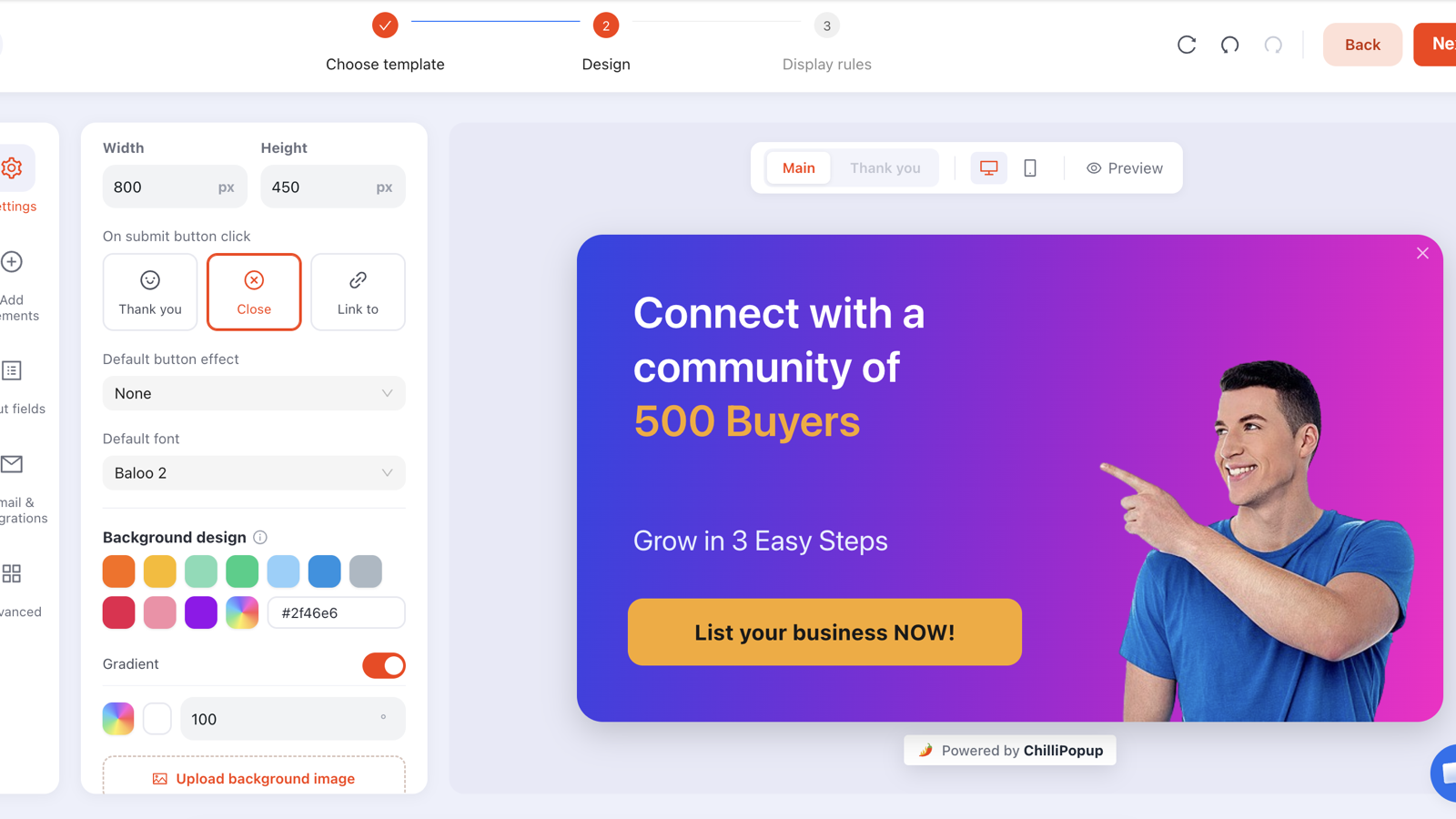
ChilliPopup adds targeted popups, lead-capture forms, surveys, quizzes and four prize games to any Squarespace site. One line pasted into Code Injection covers every page Squarespace renders, the ones you have today and the ones you publish next; everything else happens in a drag-and-drop editor with AI drafting, A/B tests and analytics built in.
Let's be straight about it: Squarespace has no plugin marketplace for popup tools, so there is no ChilliPopup "app" to install here. There doesn't need to be. Like every third-party widget on Squarespace, ChilliPopup arrives as a single script in Code Injection. Paste it once and it runs on every page, now and later. The full walkthrough lives in our install guide for any website.
In the ChilliPopup dashboard, open Installation Code in the left sidebar, choose Any Website and click Copy. The snippet already contains your Workspace ID, so there is nothing to edit by hand.
In Squarespace, go to Website → Website Tools → Code Injection (older interface: Settings → Advanced → Code Injection). Paste the snippet into the Header box and save. Done once, it applies site-wide.
Publish a popup in ChilliPopup, then open your live Squarespace URL in a private window. Once the pixel has loaded on your domain, the Installation Code screen shows a green Installed & live check.
<script id="chillipopup-pixel"
  src="https://player.chillipopup.com/javascript/pixel.js?id=YOUR_WORKSPACE_ID"
  data-api="https://api.chillipopup.com"
  async="true"></script>
Every content type below is a triggered overlay rendered by the same script, designed in the same editor and measured in the same dashboard. Squarespace's built-in pop-up is one enabled campaign at a time; this gives you as many as your site needs, each with its own design and its own rules.
Welcome offers, announcement bars, slide-ins and exit-intent saves. Start from one of 60 popup templates or a blank canvas, then drag, drop and style.
Website popups →Email sign-ups and enquiry forms with field validation, triggered like a popup. Submissions land in your dashboard, per campaign.
Forms →Multi-step NPS, CSAT and CES surveys, and multiple-choice quizzes, with per-question results. Both also get a hosted share link and embed modes.
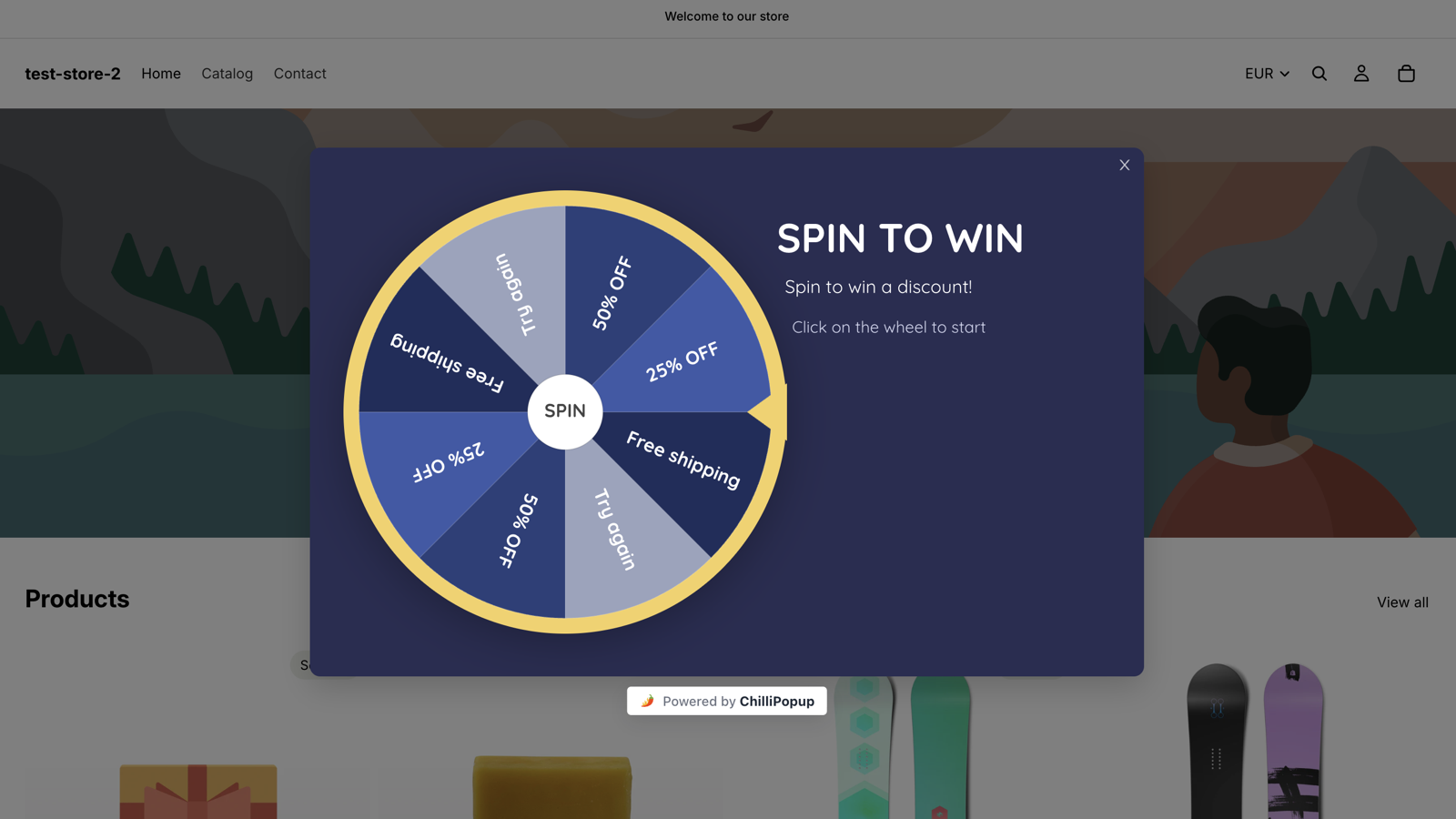
Surveys → Quizzes →Spin wheel, scratch card, slot machine and claw machine. The winner is decided on our servers, prize codes never reach the browser before a win, and you set the odds per prize.
Gamification →Describe the campaign in a sentence and the AI drafts a popup, form, survey or quiz design you then edit like any other. Daily quota from 10 to 200 generations depending on plan.
One click creates a Variant B of any campaign. Pick the traffic split, every visitor sticks with the version they saw first, and results show A and B side by side with a confidence indicator.
How A/B tests work →Squarespace sites skew towards design-led brands: stores, studios, photographers, restaurants, writers. These three fit that kind of site, and each one is a real rule set you can copy.
For a Squarespace Commerce store. A first-order discount on product and collection pages only, with the code shown on the thank-you screen so nobody waits for an email mid-purchase.
/shop · exit intent on desktop, a second copy at 50% scroll for mobile · new visitors · once every 7 days · "show again after conversion" offFor photographers, designers and consultants. Name, email and one "what do you need?" field, shown on the pricing or contact page. The portfolio pages stay quiet so the work speaks first.
/contact or /pricing · 20-second delay · everyone · once per session · desktop and mobileFor a Squarespace blog. A checklist or guide in exchange for an email, offered to readers who have proven they read to the end, not to everyone who lands on the page.
/blog · 60% page scroll · everyone · once every few days · "show again after conversion" offThe pixel lives in Code Injection, not in your template files or on individual pages, so restyling your site never disturbs it. And because popups render directly into the page rather than inside an iframe, they scroll, resize and respond like part of your site.
Squarespace URLs are unusually predictable: collections live under their slug, products underneath them, posts under the blog. A handful of URL rules covers most sites, and each campaign gets its own.
| Where you want the popup | Rule | Value |
|---|---|---|
| Shop, collection and product pages | URL contains | /shop |
| Blog posts only | URL starts with | /blog |
| Homepage only | URL equals | your domain root |
| The cart page | URL contains | /cart |
| Everywhere except contact | URL doesn't contain | /contact |
| One campaign landing page | URL ends with | /spring-sale |
/cart), not on checkout. Order confirmation is a separate Squarespace injection area the site-wide header code doesn't reach either.
Every campaign reports views, clicks, closes, submissions and its conversion rate, so "is it even being shown?" and "is it working?" are two different numbers you can read separately. Surveys and quizzes add per-question results, games add plays, wins and claimed prizes, and A/B tests show both variants side by side.

Better to know now than after you install.
Every plan includes the full editor, all content types, all four games, AI generation, A/B testing and analytics. You pay for traffic, not features. The Free plan needs no credit card and never expires; Pro and Business each start with a 14-day free trial.
Free forever, for a single Squarespace site
For growing sites and small teams
For high-traffic sites and agencies
The same editor, targeting and analytics, with a native installer where the platform allows one.
One script in Code Injection, then as many targeted popups, forms, surveys, quizzes and prize games as your site needs. Free plan, no credit card required; paid plans from $29 a month.