New Year popup campaigns work when they answer a question the January visitor already has. That is a different question from the one they had in December, and it is three different questions depending on which week of January it is.
So rather than one "New Year, New You" popup running all month, here is the phased version — who is on your site, what they want, and ten campaigns that meet them.
Key Takeaways
- January is three audiences, not one: gift-card holders, returners, and planners — each in a different week.
- Gift-card traffic is the best of the month. They arrive with money already spent; don't meet them with a generic newsletter popup.
- The returns page is free revenue. An exchange offer there outperforms almost any discount elsewhere.
- Be careful with another discount straight after a heavy November and December — it teaches people to wait.
- Set the end date when you build it. A New Year popup in February is the most visible seasonal error there is.
The three phases of January traffic
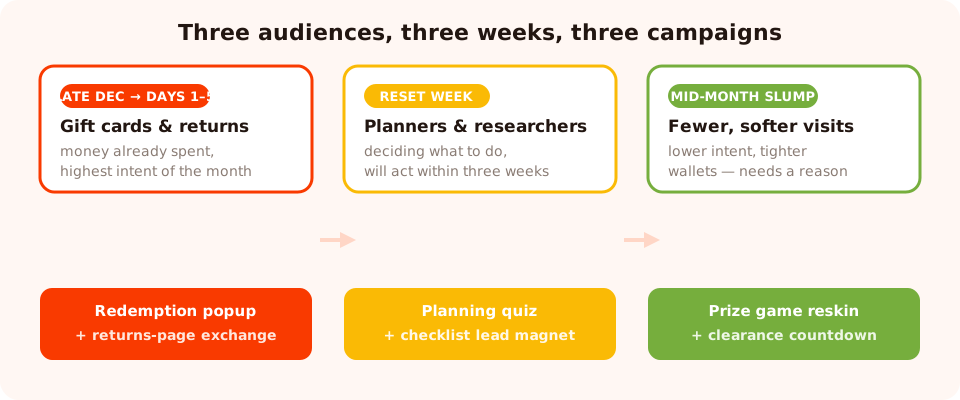
Three audiences, three weeks, three campaigns. Running one popup across all of them wastes the first two.
| Phase | Who's on your site | What they want | Campaign |
|---|---|---|---|
| Late December → first days | Gift-card holders, gift returners | "What can I get with this?" | Redemption popup + returns-page exchange |
| Reset week | Planners, first-time visitors, researchers | "Help me choose what to do about this" | Planning quiz, guide or checklist |
| Mid-month slump | Fewer visitors, lower intent, tighter wallets | A reason to act now | Prize game, clearance countdown, early access |
Phase 1 — Meet the gift cards and the returns
1. The gift-card redemption popup
The single most under-used campaign of the year. Someone holding a gift card has already spent money with you and arrived looking for permission to use it. Target your new-arrivals and best-seller pages:
Headline: Got a gift card? Start here.
Support: The 12 pieces everyone's redeeming this week — most under the value of a
standard card.
Button: Show me what's new
Note there's no form. A popup whose job is to point someone at the right page is still a popup doing its job — and it converts better than asking a customer with store credit for an email address.
2. The returns-page exchange offer
Your returns page in January is the least contested real estate you own, and the offer writes itself: "Wrong size? Swap it — we'll cover the return." Every exchange you win instead of a refund is revenue you keep, and the customer is grateful rather than annoyed. Target the returns URL, short delay, no email field.
3. The "what did they get you?" segmenter
For stores where gifting is a big share of December: a one-question quiz on the homepage asking which category the visitor received something from. One tap, and every later email is about the right half of your catalogue.
Phase 2 — The reset week
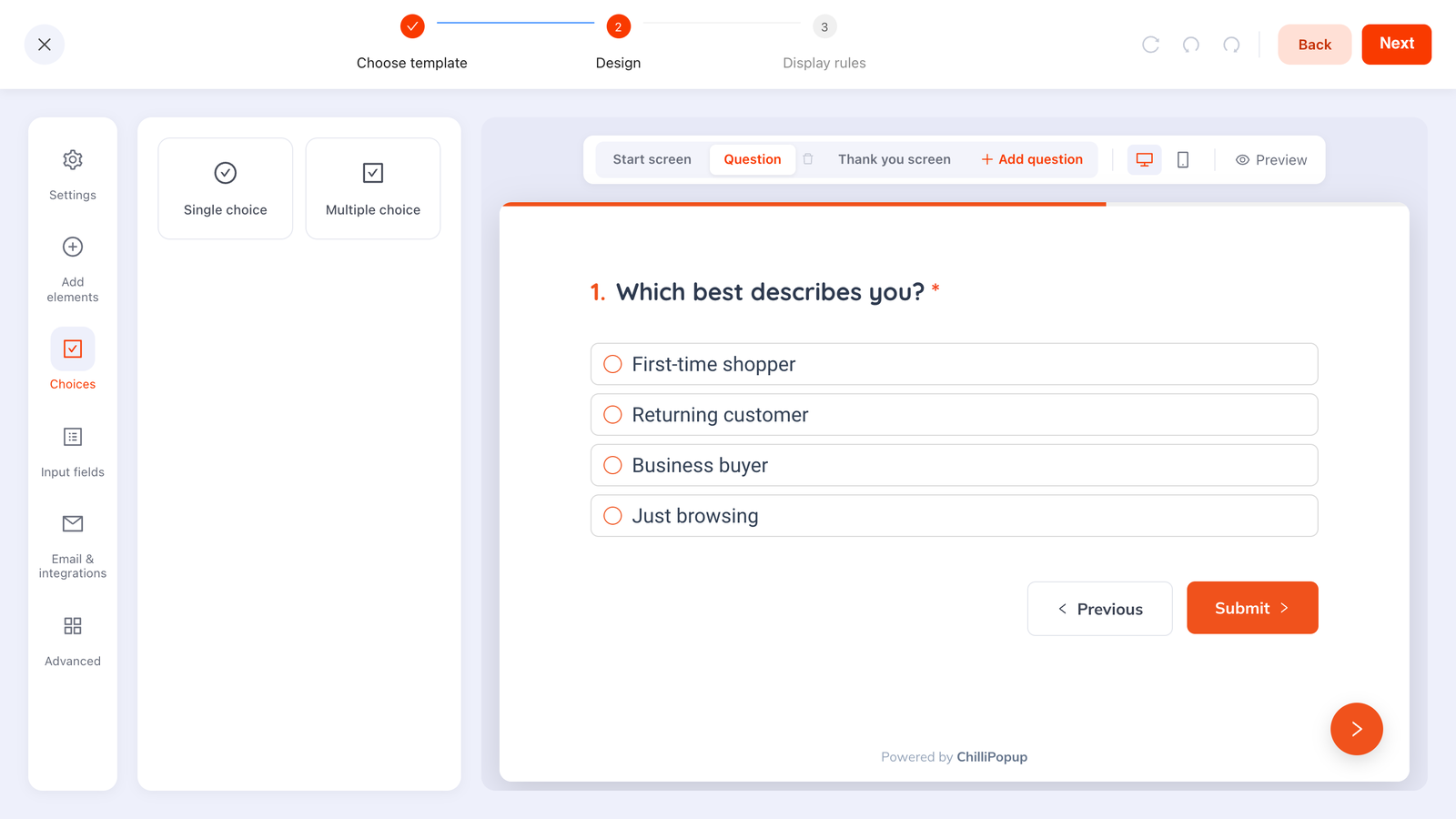
4. The planning quiz
The best New Year campaign for almost any store. Two or three tappable questions about what the visitor is working on, ending in a recommendation and an email capture — the recommendation is what earns the address.
Q1: What are you setting up this year? → Home office · Kitchen · Fitness · Garden
Q2: Starting from? → From scratch · Upgrading · Just missing a few things
Result: "Here's the three-item starting kit for a kitchen refresh" + email field for the
full list
Build it with tappable options rather than text inputs so the answers come back as clean values you can actually segment on. There's more on that in the popup personalization guide.
5. The planner or checklist lead magnet
January is the one month of the year when a downloadable planner, checklist or calendar is genuinely wanted rather than politely accepted. Deliver it on the thank-you screen, not three emails later — see lead magnet ideas for what to make.
6. The restock or refill reminder
For consumables: "Ran out over the holidays? Set a reminder and we'll email you when it's time." One email field, no discount, and it produces a list segmented by product — which is worth more than another generic subscriber.
7. The B2B planning asset
January is planning and budget season. A gated benchmark report, planning template or implementation guide converts unusually well in the first two weeks, with a work-email field and business-email validation switched on. Full method in the B2B lead capture forms guide.
Phase 3 — The mid-month slump
8. The New Year prize game
This is where a game earns its keep: traffic is lower and intent is softer, so a play is a better ask than a form. Duplicate a game you already built, give it a new-year palette and prize names, and set a one-week date window.
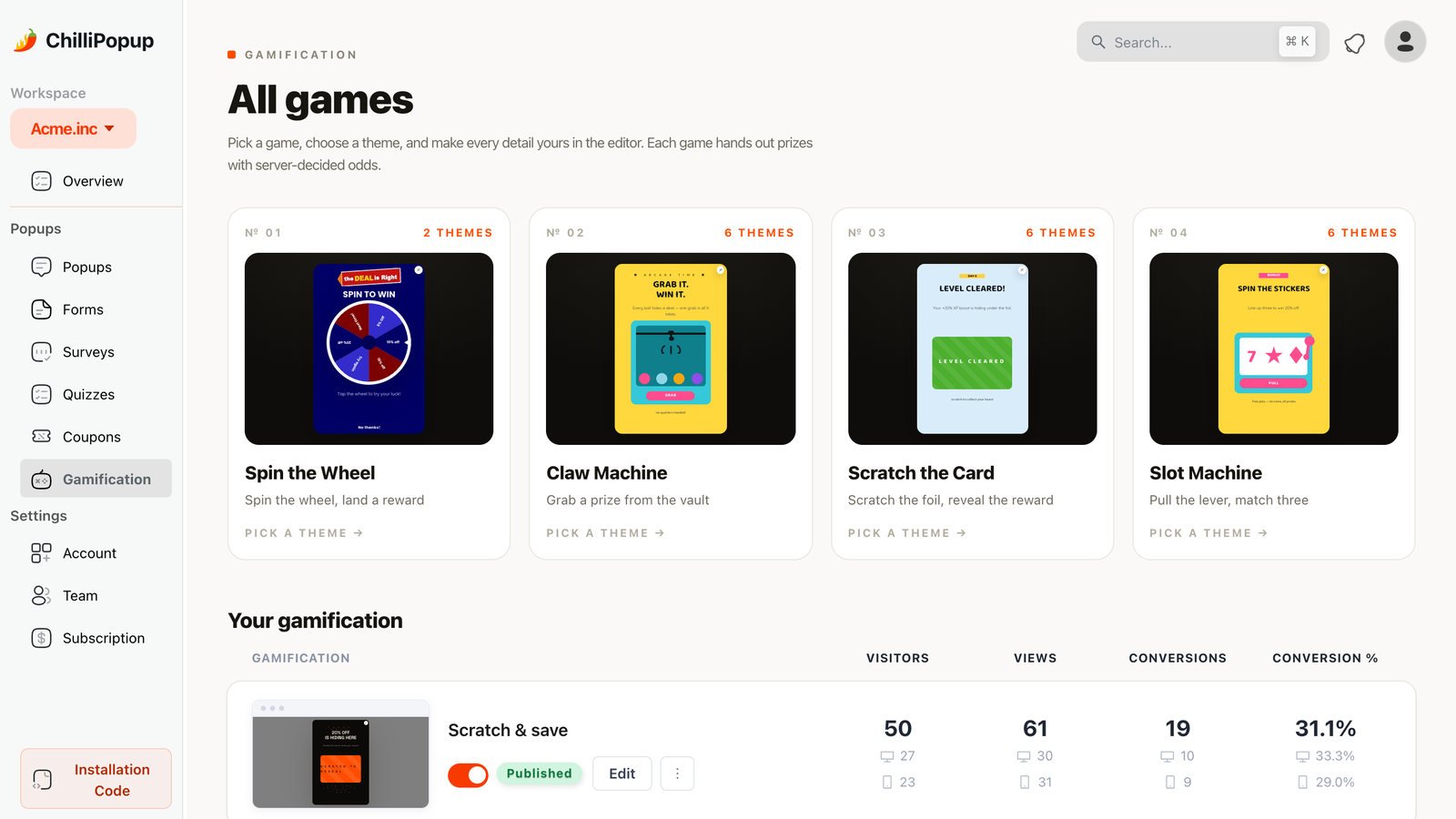
Reskinning a game you already have takes under an hour. That's why it belongs in the quietest week.
9. The clearance countdown
If you're clearing end-of-season stock, attach a timer to a real cut-off date and let it run to that date rather than restarting per visitor. Honest urgency works; a timer that resets every session teaches people to ignore all of them. See the countdown timer popups guide.
10. The "what would make this year better?" survey
On the order-confirmation page, all month. One question, one screen, high response rate — and the answers set your product and content priorities for the next eleven months. It's the cheapest research you'll run all year.
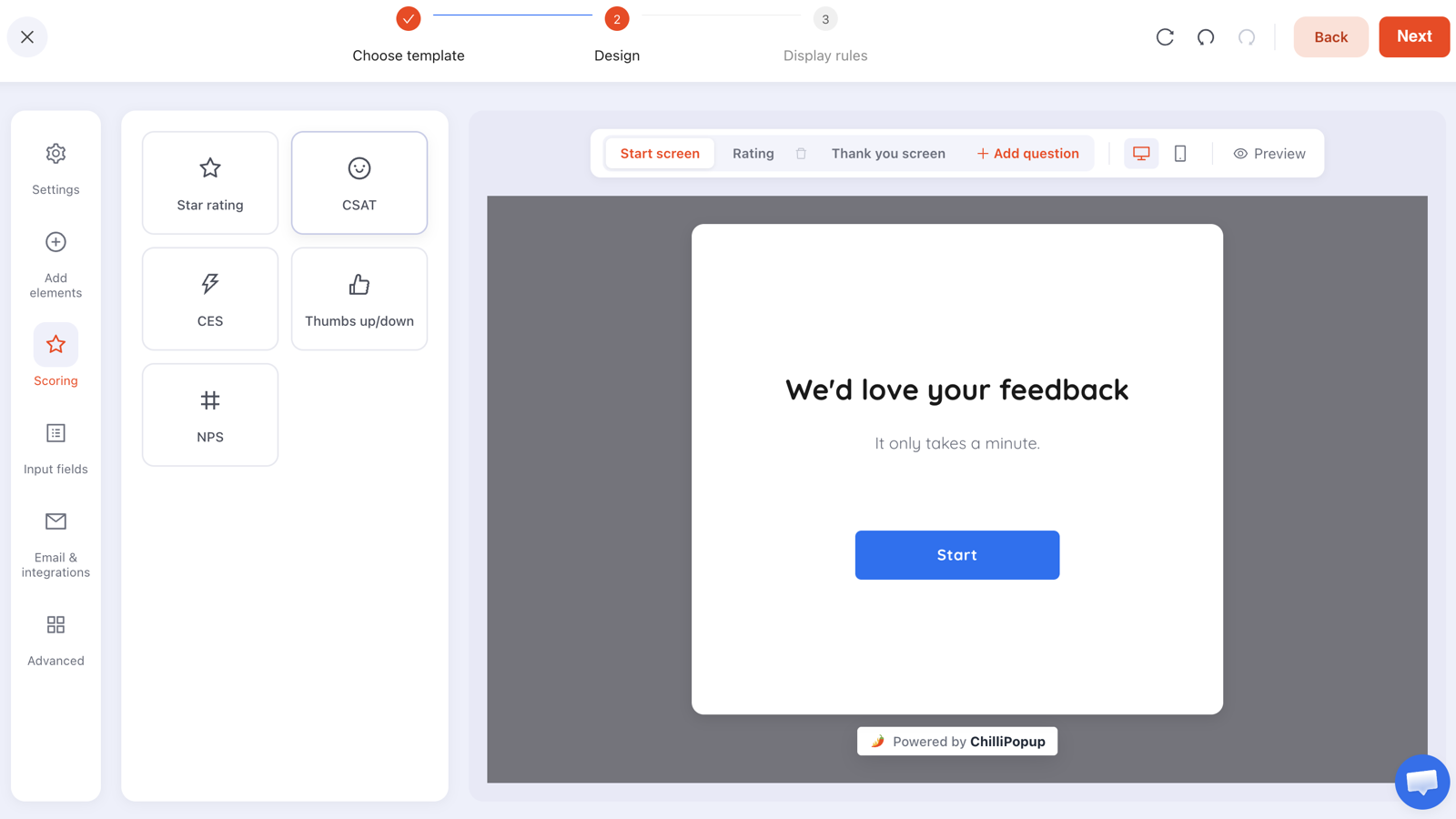
One question on the confirmation page beats a five-question survey emailed a week later.
Copy: what to write instead of the clichés
January copy is the most templated writing in marketing, which is exactly why specific copy stands out so easily.
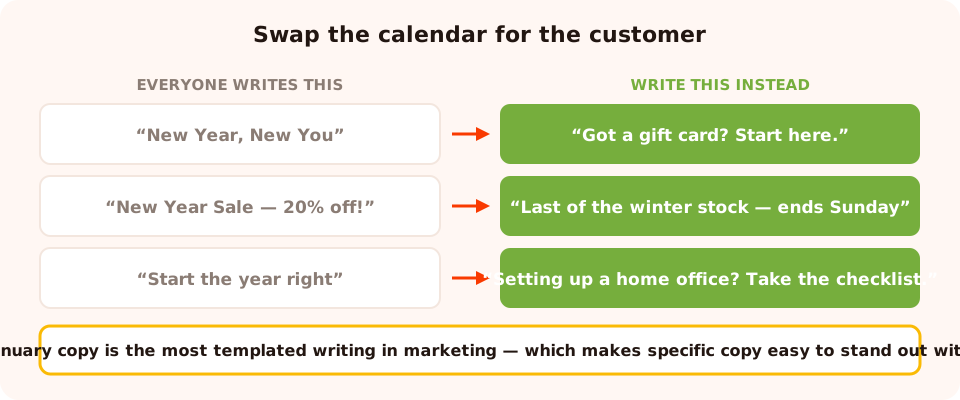
The cliché describes the calendar. The rewrite describes what the visitor came for.
| Cliché | Why it fails | Write this instead |
|---|---|---|
| New Year, New You | Says nothing about you or them | Got a gift card? Start here. |
| New Year Sale — 20% off! | Trains people to wait for the next one | Last of the winter stock — ends Sunday |
| Start the year right | Generic encouragement, no offer | Setting up a home office? Take the checklist. |
| Resolutions made easy | Assumes a resolution you can't see | Tell us what you're working on — we'll shortlist it |
| Happy New Year from all of us! | Lovely, but it's an interruption with no payload | Wrong size under the tree? Swap it, we'll cover the return. |
The display-rule recipe
Three campaigns running in one month need rules that keep them apart. The pattern:
- A date window on each — this is the whole reason a phased plan works. Set start and end together, at build time.
- Page targeting per phase. The gift-card popup lives on new-arrivals and best-sellers, the exchange offer on the returns URL, the quiz on the homepage, the survey on the confirmation page. None of them overlap.
- Audience. January brings a lot of first-time visitors from gifts — target the planning quiz at new visitors and the restock reminder at returning ones.
- Frequency, and "show again after conversion" off. January visitors come back often; a popup on every visit turns a good month into an irritating one.
Don't run a discount popup on the returns page. Someone in the middle of sending something back is not the audience for 15% off, and it reads as tone-deaf. Offer the exchange and nothing else.
Six mistakes in New Year campaigns
- One popup for the whole month. The gift-card week and the slump week want opposite things.
- Discounting straight after the holiday sales. Two discount seasons back to back and full price becomes a suggestion.
- Ignoring gift-card holders. The highest-intent traffic of the month, met with a generic signup popup.
- No end date. A New Year popup running in February is the most visible seasonal error there is.
- Cliché copy. Everyone writes "New Year, New You"; nobody reads it.
- Skipping the confirmation-page survey. January answers shape the whole year, and you'll never get a better response rate.
Build the January set in ChilliPopup
An hour for all three phases if you duplicate rather than build from scratch. One pixel serves every campaign — see the install guide if it isn't on your site yet.
1. Build the gift-card popup before the year ends
New-arrivals and best-seller pages, no form, one button pointing at the right collection. Date window from late December to mid-January.
2. Add the exchange offer on the returns page
URL-targeted, short delay, no discount. The quietest campaign of the month and often the most valuable.
3. Build the planning quiz for the reset week
Two or three tappable questions ending in a recommendation and an email field. New visitors, homepage and collection pages.
4. Reskin a game for the slump
Duplicate an existing prize game, change the palette and prize names, and give it a one-week window.
5. Put a one-question survey on the confirmation page
Leave it running all month. Read the answers in February and let them set the year's priorities.
Start the year with a bigger list
Popups, quizzes, surveys and prize games from one editor — with date windows, page rules and analytics built in. Free plan, no credit card required. Paid plans from $29/month.
Start free →Related reading
Frequently asked questions
What should a New Year popup say?
Something specific to why that visitor is on your site in January. Gift-card holders want to know what is new and what their balance buys. Returners want an easy exchange. Planners want help choosing. "New Year, New You" says nothing about any of them, which is why it converts so poorly.
When should a New Year popup go live?
Earlier than most people run it. The gift-card campaign belongs in the last days of December, the reset campaign in the first week of January, and the slump campaign around the middle of the month. All three should have an end date set when you build them.
Should I discount in January?
Carefully. If you ran a heavy November and December, opening January with another discount teaches customers that your full price is decorative. A quiz, a guide, an early-access list or a restock reminder builds January revenue without training people to wait for the next sale.
What is the best New Year popup for a store with gift cards?
A popup on your new-arrivals and best-seller pages aimed at redemption: what is new, what a typical gift-card balance buys, and a way to check the balance. Gift-card holders arrive with money already spent and unusually high intent — meeting them with a generic newsletter popup wastes the best traffic of the month.
How do I use a returns page in January?
Put a small, helpful popup on it offering an exchange rather than a refund — "Swap it for the right size, and we will cover the return." It is the least contested page on the site in January and the campaign that quietly saves the most revenue.
Does a New Year campaign work for B2B?
Yes, and the timing is better than in retail. January is planning and budget season, so the January campaign is a gated asset — the benchmark report, the planning template, the pricing and implementation guide — plus a countdown on annual pricing for teams trying to spend before a cycle closes.