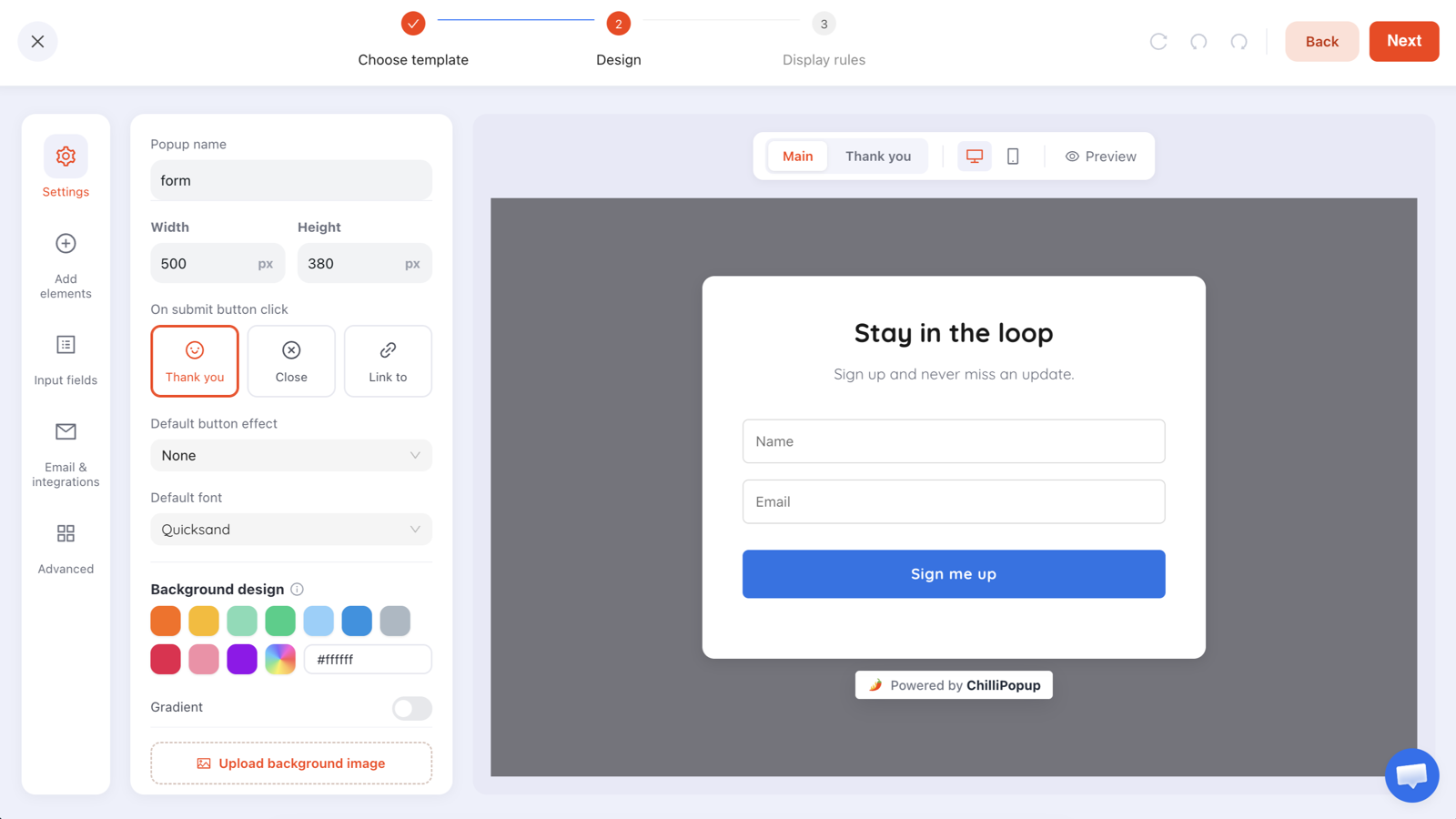
Single opt-in adds someone to your list the moment they submit a popup. Double opt-in sends them a confirmation email first, and only subscribes the people who click the link inside it. Single grows the list faster; double leaves you with a list that actually gets delivered.
Neither is universally right, and the popular advice — "always use double opt-in" — quietly ignores what happens when the popup promised a discount code. This guide covers the mechanics, the decision, and the copy that decides whether your confirmation step works or collapses.
Key Takeaways
- The confirmation lives in your email tool, not the popup. The popup captures; the confirmed-opt-in setting is on the list you send to.
- Double opt-in buys deliverability — fewer typos, fewer bots, fewer complaints — at the cost of some genuine subscribers.
- Never put a discount code on the thank-you screen and a confirmation step behind it. They already got what they came for; nobody confirms.
- GDPR does not require double opt-in — it requires informed, unambiguous consent and a record of it.
- Most non-confirmations never saw the email. Fix the thank-you screen before you blame the visitor.
What each one actually does
The two flows, in one paragraph each
Single opt-in: a visitor types their address into your popup and submits. The address is on your list. Your welcome email — or the code they were promised — arrives straight away. One step, no friction, no verification.
Double opt-in (also called confirmed opt-in): the same submission triggers a short email asking them to confirm. Only when they click the link inside does the address become a subscriber. Two steps, one of which happens in an inbox you do not control.

Same popup, same submission. The fork happens after the address leaves the page.
Where the confirmation step lives
This is the part most guides skip, and it matters for planning. The popup's job ends at capture. Every popup, form, survey and quiz stores its submissions in the ChilliPopup dashboard; the confirmation email is sent by your email marketing tool, and confirmed opt-in is a setting on the list inside that tool.
So the practical workflow is: the popup collects the address, you move new addresses into the list you have configured for confirmed opt-in, and your email tool takes it from there. Choosing double opt-in is therefore a decision about your email tool's list settings — the popup is where you support that decision with the right fields and the right copy.
What double opt-in actually buys you
- Typos never reach your list.
gmial.com, a missing letter, a hurried thumb on a phone. An unconfirmed address is a hard bounce you never send. - Bots and drive-by junk are filtered. Automated form fills and throwaway addresses rarely complete a confirmation click.
- Complaint rates drop. People who confirm remember signing up. People who do not confirm are precisely the ones most likely to hit "spam" on your third campaign.
- Deliverability improves as a result. Bounces and complaints are the two signals mailbox providers weigh most heavily. A confirmed list keeps both low.
- You get strong evidence of consent — a timestamped click from the address owner — which is genuinely useful if a consent claim is ever questioned.
What it does not buy you: engagement. A confirmed subscriber who never opens anything is still dead weight. Double opt-in cleans the front door; it does not replace list hygiene later — see email list management for the rest.
What it costs
Every extra step loses people, and this one happens somewhere you cannot see. The confirmation email can land in Promotions, in spam, or in an inbox nobody checks until Sunday. The visitor who was enthusiastic on your product page is, four hours later, someone with 200 unread emails.
There is also a delivery problem. If the popup promised something immediate — a code, a guide, a first-look invite — double opt-in inserts a wait between the promise and the payoff. That gap is where most of the loss happens, and it is entirely fixable by design, which is the next section.
The discount-code trap
Here is the failure mode that ruins double opt-in more often than any other, and it is embarrassingly easy to walk into.
You build a popup offering 10% off. The code appears on the popup's thank-you screen the instant someone submits — which is good practice, because the visitor gets what they were promised without leaving the page. Then you also switch on double opt-in. The visitor now has the code in their hand and a confirmation email they have no reason whatsoever to open.
Pick one delivery moment. Either the reward is on the thank-you screen and you run single opt-in, or the reward is inside the confirmation email and the thank-you screen says so plainly. What you must never do is give the reward away and then ask for a confirmation with nothing behind it.
The second option, done well, reads like this on the thank-you screen: "Almost there — check your inbox. Your 10% code is inside the email from [store name]. It usually arrives within a minute." Now the confirmation click is the thing standing between them and the discount, and the confirmation rate looks completely different.
How to decide
| Your situation | Better choice | Why |
|---|---|---|
| Popup delivers an instant discount code | Single | The reward is already delivered; a confirmation has nothing behind it |
| Popup offers a guide, template or download | Double | The download link is the confirmation. One click serves both jobs |
| B2B lead capture feeding a sales team | Double | A confirmed business address is worth far more than three unconfirmed ones |
| You send from a new domain or a fresh sending IP | Double | Your reputation cannot absorb bounces yet |
| High-volume consumer store, established sender | Single, plus validation | Volume matters more; catch typos at the field instead |
| Traffic includes paid campaigns or giveaways | Double | Incentivised traffic produces the most junk addresses |
| Back-in-stock or waitlist alerts | Single | The alert itself is a confirmation; delay defeats the purpose |

Two questions get you to an answer: is the reward instant, and can your sending reputation take a bounce?
What the popup should do either way
Whichever path you choose, four things belong on the popup itself. These are the parts you control directly, and they do more for list quality than the opt-in setting does.
1. Validate the address at the field
Email validation catches the mistake while the visitor is still looking at the form, which is the only moment it is cheap to fix. ChilliPopup's email field can check format with a common-typo guard, restrict to business addresses, do both, or do neither. On a B2B form, business-only validation removes a whole category of junk before it ever reaches your list.
2. Ask for consent explicitly when you need it
The input panel includes an email consent field — a checkbox the visitor ticks themselves. Unticked by default, with wording that says what you will send and how often. That checkbox, plus the submission record, is your consent evidence.
Do not pre-tick it, and do not bundle it. "Sign up and agree to receive marketing, offers from partners and SMS" is not specific consent. One purpose, one box, plain words.
3. Set the expectation on the thank-you screen
The thank-you screen is the last moment you have the visitor's attention, and on a double opt-in flow it is the single highest-leverage piece of copy in the whole funnel. Name the sender, name the subject line, say how long it takes, and say what is inside.
One more step 📬

We've sent a confirmation to the address you gave us.
Click the button inside and your 10% code is yours.

From: Northfield Home · Subject: "Confirm and grab your 10%"
Nothing after a minute? Check Promotions or spam.
4. Stop showing the popup to people who already signed up
Turn off show again after conversion in the display frequency rules. Someone who submitted the popup — confirmed or not — should not meet it again tomorrow. It is one switch, and leaving it on is the fastest way to make a careful signup flow feel careless.
Frequency, audience and the conversion gate live together — set them once when you publish.
Six ways to lift your confirmation rate
- Put the reward behind the click. The confirmation link should deliver the code, the guide or the first-look invite. A confirmation email that only says "confirm your subscription" is asking for a favour.
- Send it immediately. Any delay between the popup and the email loses people permanently. Same-minute or bust.
- Name the sender on the thank-you screen. People search their inbox for the brand name, not the words "confirm subscription".
- Warn them about Promotions and spam. One short line. It converts more confirmations than any subject-line tweak.
- Make the button obvious. One button, above the fold, no navigation, no product grid, no unsubscribe-looking links near it.
- Send one reminder — once. A single nudge the next day recovers people who genuinely missed it. A third email to someone who never confirmed is exactly the behaviour double opt-in was supposed to prevent.
Capture the address properly, whichever opt-in you use
Popups, forms, surveys and quizzes with email validation, consent fields and per-campaign reporting. Free plan, no credit card required. Paid plans from $29/month.
Start free →Consent, records and the GDPR question
The short version: GDPR does not name double opt-in anywhere. It requires consent that is freely given, specific, informed and unambiguous, and it requires you to be able to demonstrate that the person consented. A clearly worded, unticked checkbox plus a stored submission satisfies that on its face.
What double opt-in adds is evidence quality. A click from the address owner is much harder to argue with than a form submission from an unverified address, which is why plenty of EU teams treat it as belt and braces rather than a legal requirement. If you are working out the rest of the compliance picture — cookie banners, privacy links, what to store — the GDPR-compliant popups guide covers it properly. This is general information rather than legal advice; a lawyer in your jurisdiction is the right person to sign off your wording.
Five mistakes that break either flow
- Giving the reward away and then asking for a confirmation. The trap above. It is the number-one cause of a terrible confirmation rate.
- Switching to double opt-in without changing the popup copy. The thank-you screen still says "Here's your code!" while the code is actually in an unopened email.
- Pre-ticked consent boxes. Not consent, and it poisons everything downstream.
- Confirming, then never mailing. If the first real campaign arrives six weeks later, nobody remembers you and the complaint rate spikes anyway.
- Judging the popup by submissions alone. On double opt-in, the popup's conversion rate and your list growth are two different numbers. Track both, and know which one you are looking at.
What to measure
Two funnels, joined in the middle. The popup owns the first half, your email tool owns the second.
- Popup views → submissions. Reported per campaign in the ChilliPopup dashboard, alongside the conversion rate and the values collected per field.
- Submissions → confirmations. Your email tool's number. This is the one that tells you whether the thank-you screen and the confirmation email are doing their jobs.
- Bounce rate and complaint rate on the first three campaigns. This is what you were buying with double opt-in — if it does not improve, the extra step is not earning its keep.
- Net confirmed subscribers per 1,000 visits. The only fair way to compare the two approaches, because it holds traffic constant and counts what survives.
Run one for a month, switch, run the other for a month, and compare that last number. Most stores are surprised by which one wins — and the answer genuinely differs depending on what the popup offered in the first place.
Related reading
Frequently asked questions
What is the difference between single and double opt-in?
With single opt-in, someone types their email into your popup and they are on the list — the next campaign reaches them. With double opt-in, that submission triggers a confirmation email, and only people who click the link inside it are subscribed. Double opt-in adds one step, filters out typos and bad addresses, and leaves you with a smaller but cleaner list.
Does the popup itself send the confirmation email?
No. The popup captures the address; the confirmation email is sent by your email marketing tool. ChilliPopup stores each campaign's submissions in the dashboard, and you move those addresses into a list in your email tool — the confirmed-opt-in setting lives there, on that list.
Is double opt-in required by GDPR?
No. GDPR requires consent that is freely given, specific, informed and unambiguous, plus a record that it was given. A ticked-by-the-user consent box with clear wording can satisfy that. Double opt-in is not mandated, but it produces strong evidence of consent, which is why many teams in the EU use it anyway.
Does double opt-in hurt list growth?
It reduces the number of people who end up on your list, because some never open or click the confirmation. That is partly the point — many of those addresses were typos, throwaway accounts or people who changed their mind. The real question is whether your confirmation email is good enough that genuine subscribers complete the step.
When should I use single opt-in instead?
When the signup is the delivery mechanism for something immediate — a discount code, a downloadable guide, a back-in-stock alert — and your traffic is ordinary organic and social. Adding a confirmation step in front of a code that someone wants right now costs you conversions with very little quality gain.
How do I get more people to confirm?
Tell them on the popup's thank-you screen that an email is on its way, name the sender and the subject line, put the reward behind the confirmation rather than before it, and send the confirmation immediately. Most non-confirmations are people who never saw the email, not people who changed their mind.